



99% of Android Devices Are Open to Attack
A warning to Android users! Some of your information can be...

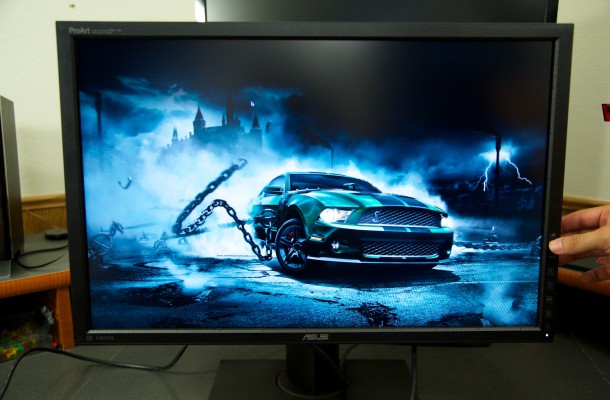
PA249Q Box Content
When you buy a new product the absolutely last thing you want is to take it out of the box only to discover you need to go buy something additional to just get going. That will never be a problem with the ASUS PA249Q as it comes with everything to get up and going including every type of cable connection, drivers, quick start guide, the warranty card and the pre-calibration report are all included. The drivers CD contains drivers that contain the information needed to make the monitor correctly make use of its feature set. All the things you need to get working are contained within the box and nothing more is needed to get up and going but the PC.


A warning to Android users! Some of your information can be...

Some leaks are really fun to see, especially when they shed...

Canon recently announced it's latest DSLR, the 70D, which is the...


Speeds and Feeds All variations of the new GeForce GTX 760 will...

With yesterdays launch of the new GeForce GTX 760, not...
 Viruz says:
 blackmattdamon says:
 Luca nn says: Luca nn says: