


ASUS Transformer Book T100 Now Shipping with HDD Keyboard Dock
| ASUS today announced that the Transformer |


Some folks are very picky when it comes to the type of switches that are on their keyboard and with mechanical keyboards becoming more and more prevalent technology is starting to advance and trickle its way down to us, the end-user. Cherry MX switches are some of the most popular in today’s modern keyboard design and many a gamer can lay claim to owning a keyboard with such switches on it. If you did not know it, Cherry is actually a German based company that specializes in switch technology and these folks have now made what was good, even better.
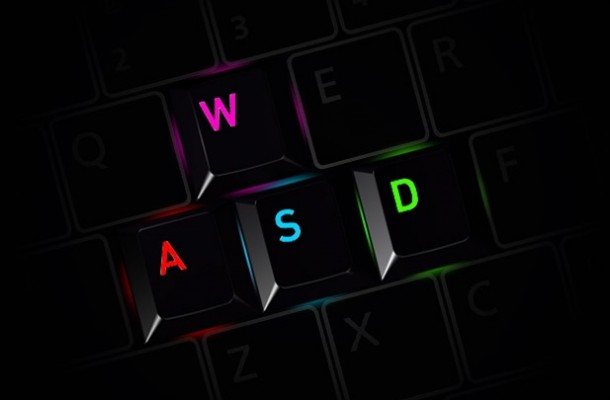
Illuminated keyboards are becoming quite the craze and the market now has many different options for the gamer or enthusiast to choose from, but in truth how well we can actually see the keys and what they represent is a mixed bag as some are very easy to see, while others are just not. Corsair has been hitting the peripheral market very hard in the last few years and what was once just a high-speed memory company has fleshed out to be one of the biggest names in the peripheral business and doing very well at it. Cherry has decided to team up with Corsair to bring something new and interesting into the illuminated keyboard market. The new Cherry MX RGB has been born and offers something a bit different than your average lit up keyboard.
This will be the world’s first keyboard ever to have keys that are engineered for RGB Multicolor Illumination. The CHERRY MX RGB key switches of course enable highly precise and extremely fast keystrokes – as the latest development version of the world’s only MX switches with Gold Crosspoint contacts. The key switches are designed to meet the highest precision requirements for professional keyboards and meet the specific needs of gamers in particular. In this way special keyboards equipped with N-key rollover – like the CHERRY MX Board 3.0 – can be realized based on conventional MX switches. N-key rollover allows you to simultaneously press several keys without the “ghost key” effect. This is crucial for gaming, as commands are often assigned to certain key combinations.
“The new illuminable MX RGB switch naturally opens up completely new areas of application,” explains Dipl.-Ing. Günter Vogl, the responsible head of Product Management and Development at Cherry. Manfred Schöttner, responsible for the Computer Input Device Business under the Cherry brand: “Our RGB switch is the first step in our MX innovation roadmap. With additional, innovative features, we will offer our customers solutions in the area of our mechanical MX switches that go far beyond the features known today. To continue to provide the highest quality standards, we will continue to manufacture our switches in Germany on fully automatic systems.” Cherry also wants to point out that durability is in no way decreased and Thanks to the MX technology designed for maximum durability, at least 50 million key strokes / contact switches can be achieved per switch without sacrificing quality.
This new Cherry MX RGB will make its debut at the 2014 CES show in Las Vegas Nevada to a host of fans from around the world and we will be there to cover it for you in all its glory. The Cherry MX RGB was announced on December 4th 2013, but we may not see any actual products until late Q1 that are available to the general public. For those who are into this type of technology this is some pretty exciting news and I am sure you cannot wait to see just what Corsair and Cherry bring to the table. If you want to see even more information check out the Cherry website to get further details. Before I go let us just touch base on the basic differences between the different switch types. Different switching types have different characteristics and this is the reason so many people have their favorite type of key switch as they all offer something just a tad bit different than its brethren and allowing users something very important, choice! I personally can use any of the different types of switches and not be too dissatisfied with any one of them to stand out in a negative way, but here we go.
Blue switch: Click pressure point, key stroke with tactile and audible contact feedback
Brown switch: Soft pressure point, key stroke with soft tactile contact feedback
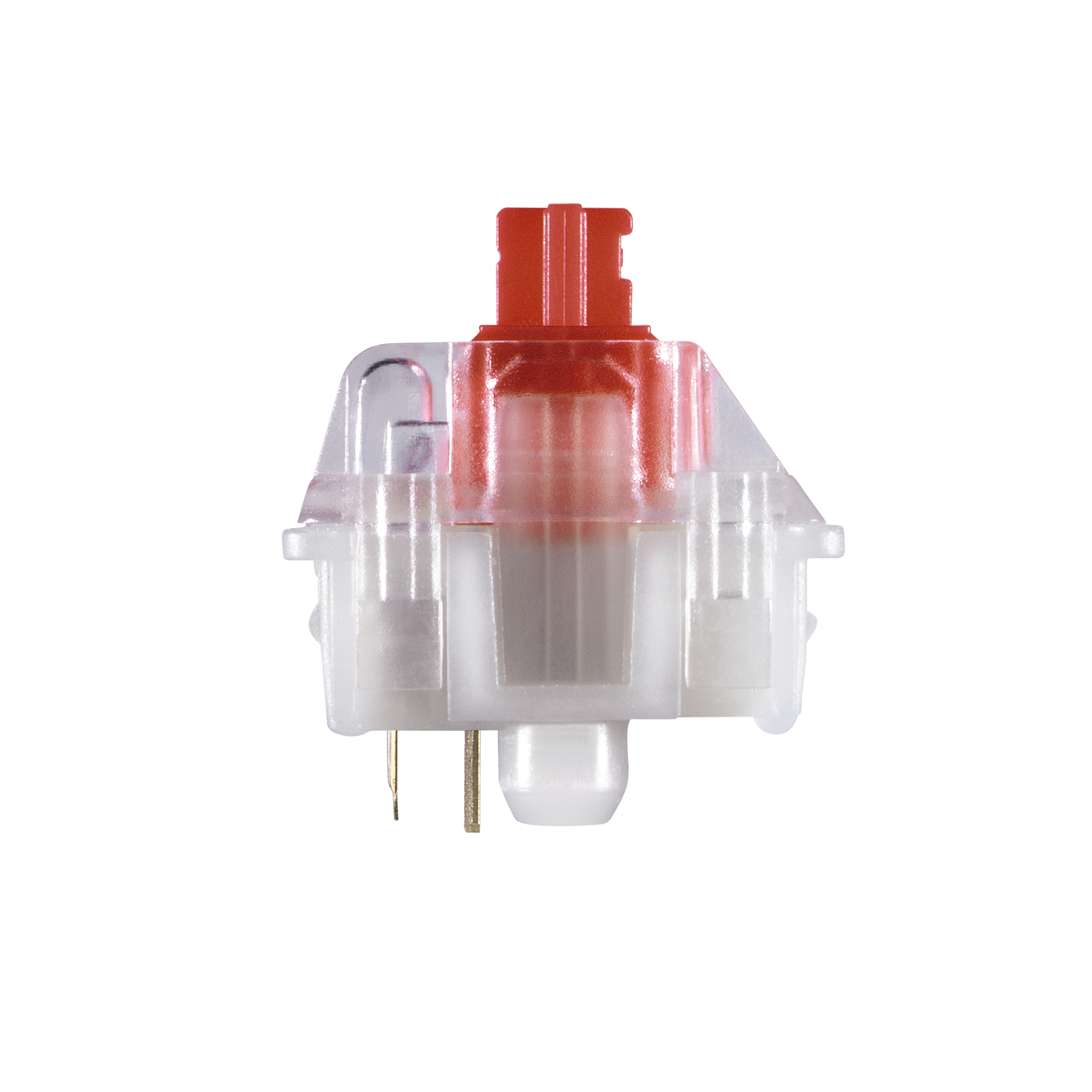
Red switch: Without pressure point, linear light actuation – switching function with a defined force of approx. 45 cN without contact feedback.
Black switch: Without pressure point, linear actuation – switching function with a defined force of approx. 60 cN without contact feedback




| ASUS today announced that the Transformer |


Swiftech Announces New FlagShip Apogee XL CPU Waterblock. Long Beach, April 19,...


The GeForce GTX 760 Gets Unleashed Another week means yet another launch...

 jalebi Singh says:
 Justin Shepherd says: Justin Shepherd says:
 RUSTY DIXON says: